Prompting to a Keynote
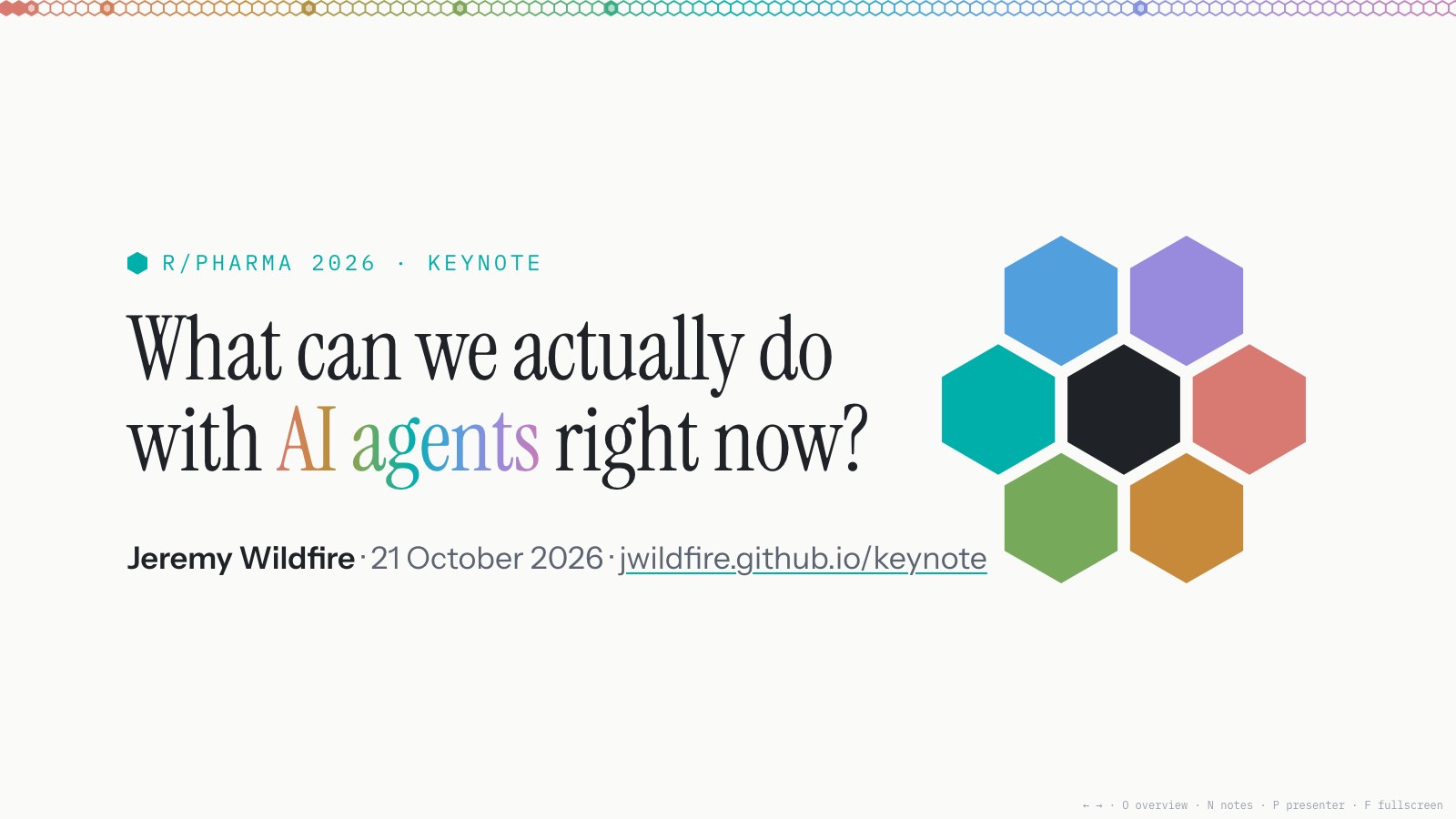
A friend asked how I built the slides for my R/Pharma 2026 keynote. The short answer is one prompt at a time. Here are the ones that mattered.
The deck is a single HTML file in this blog’s repository. Each slide is a <section>, and my speaker notes sit in the same file. I built it with Claude Code over the three weeks before the talk. I wrote the outline and the words I say. Claude built the slides, rendered each one to check it, and committed every change in small steps so I could undo it.
The first brief
A cloud session set up an empty deck in the blog’s “rainbow hex” theme. On 1 October I handed it to a session on my Mac with a long brief. Here’s the part that did the work:
Next step: I’ll give you an outline. Turn it into slides in keynote/slides.html: one section per act, the outline’s beats as slides, draft speaker notes, and s-todo slides where content is missing. Pull facts and numbers from research-digest.md and cite the post in each slide’s notes. Open slides.html locally in Chrome to check it, commit to the same branch, and don’t open a PR unless I ask.
The rest of the brief described the files: where I drop outlines and dictation, and a digest of the nine developer diary posts to pull facts from.
Orange becomes the hook
Fifteen minutes later, the talk got its hook:
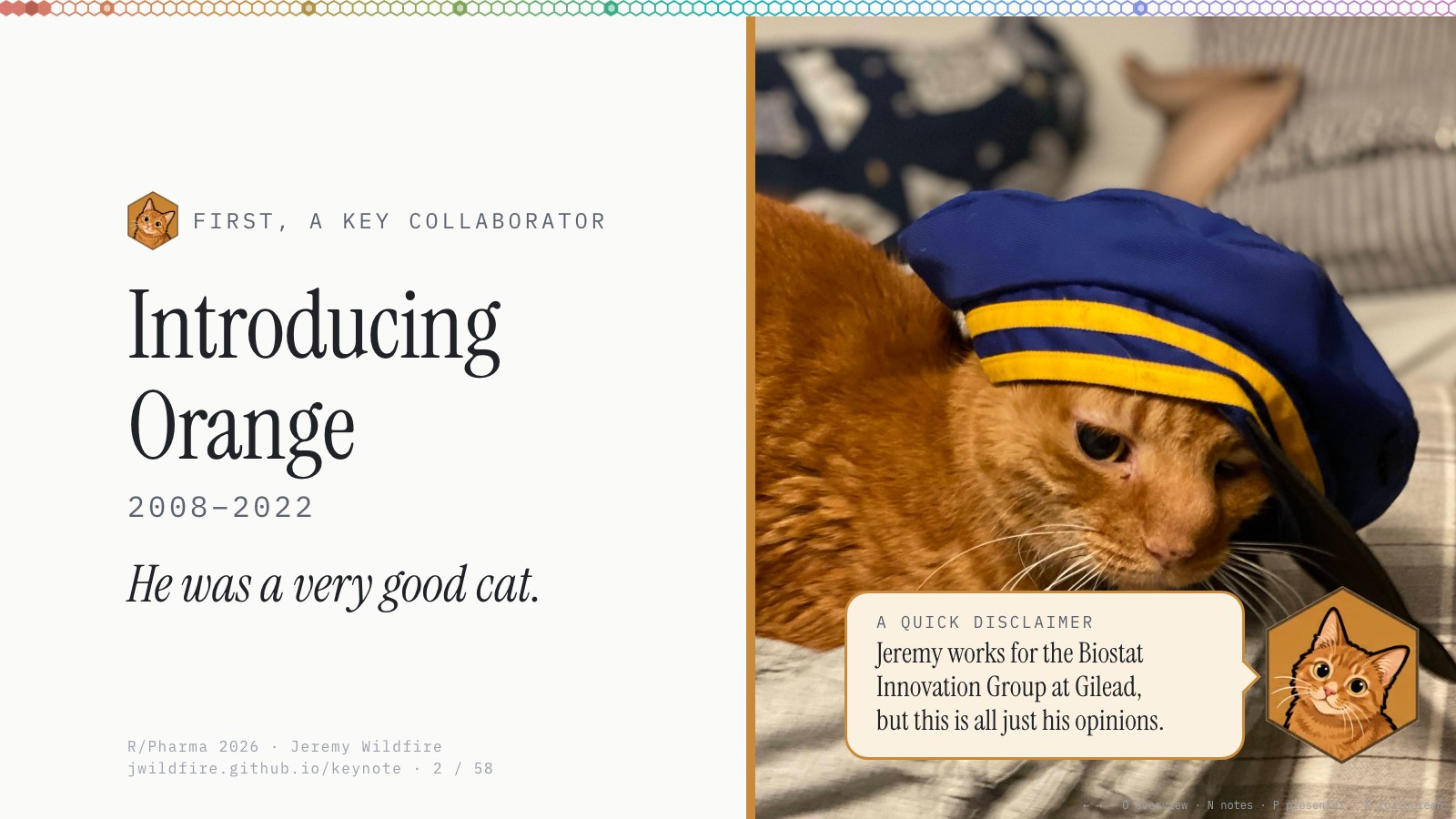
Close the gaps. Also I just downloaded some photos of orange that i want to work into the presentation. grab the zip file from downloads and add them to our assets. We’ll introduce orange on the first slide and then use the photos of him “working” on transition slides throughout. This will be our hook. Go ahead and set up the “Introducing Orange” slide with the picture of him with the blue hat on right after the title slide
Then, a few minutes apart:
“He was a very good cat” for orange slide quote
Add one more slide showing him “working” maybe the pic of him sleeping on my laptop. “But a somewhat inconsistent co-worker”
Orange’s callouts
The question running through the talk was “What can we actually do with AI agents right now?” Orange got to answer it:
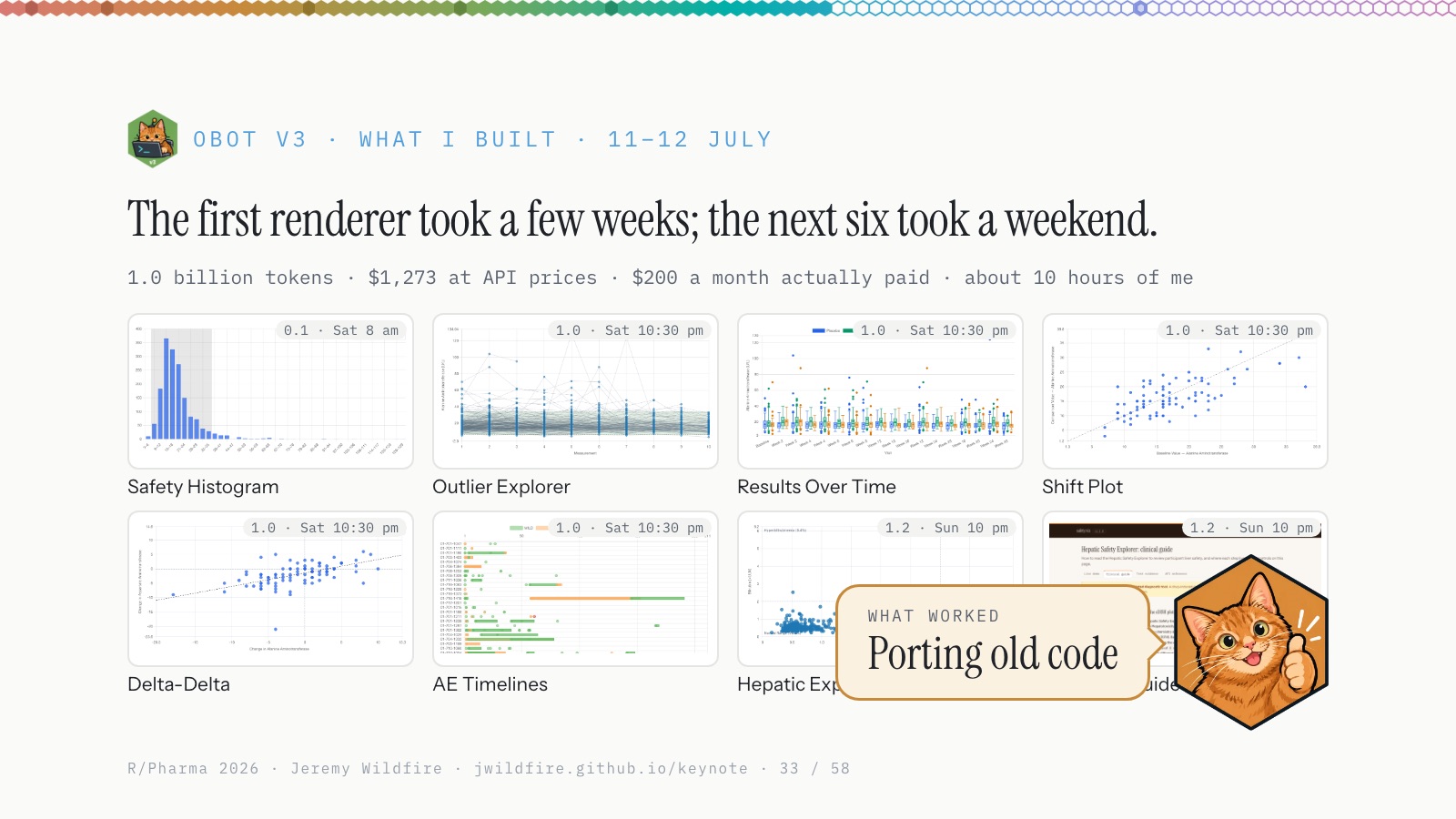
I want to start adding little call outs for “What are agents good at now?” throughout the deck. Direction: I want a hex with Oranges face and a thumbs up on the right. header with the question (small text). Body with answer e.g. “writing code!”. Ideally we’ll call out several of the items that we discuss in the close out. give me a few design options.
i want the “orange what is it good at comments” to pop up as a 2nd click on the slides. I talk through the main content and then tie it back to the overall theme at the end.
Fixing the middle
By 5 October the middle of the talk had the right content in the wrong shape:
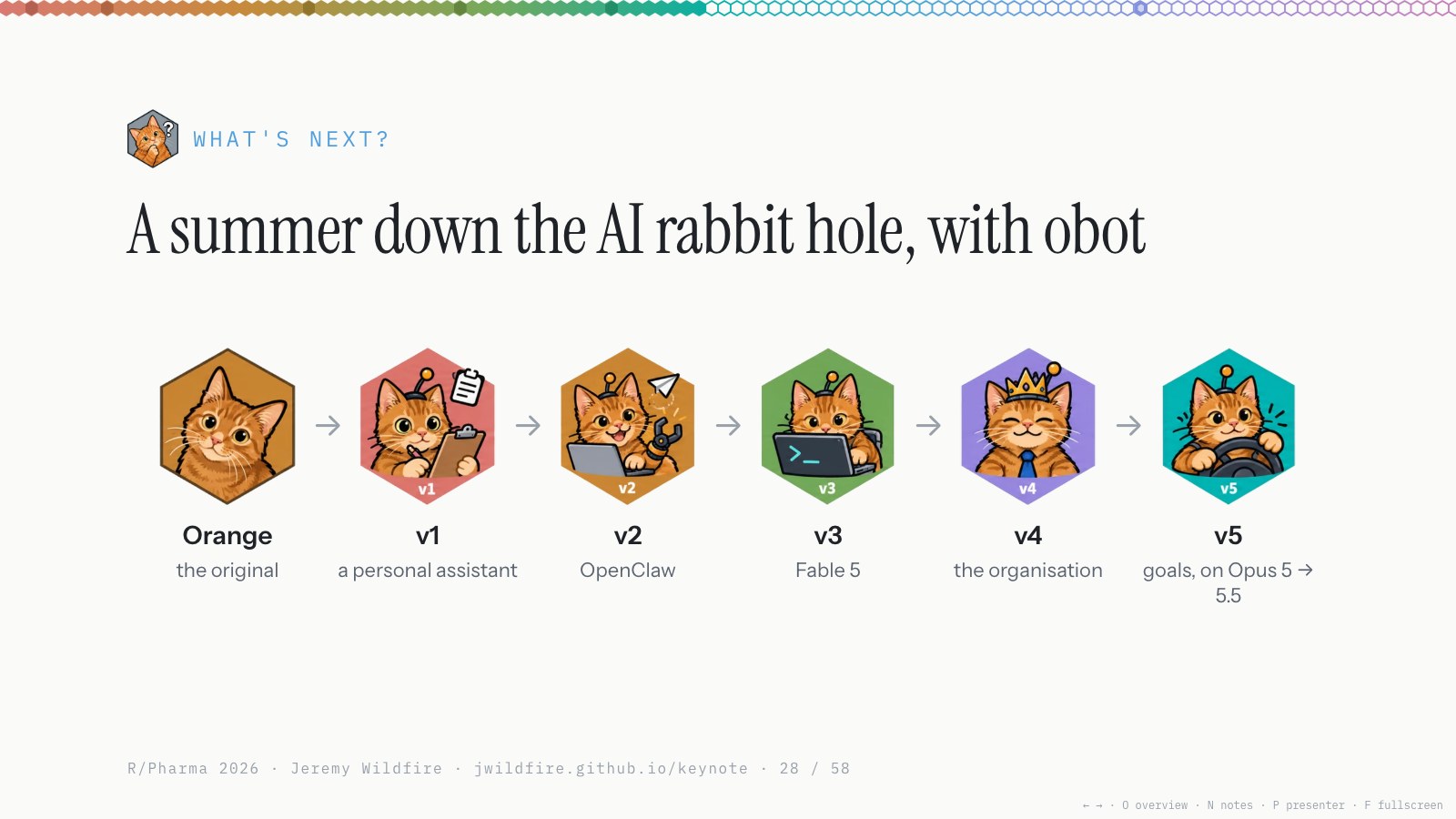
I think the content mostly there, but the narrative (and the slide structure) is a total mess. Let’s add more structure. Frame it as a journey. 5 versions of obot created during a summer or experiments. Name the Obot Versions explicitly (v1 = OpenClaw, v5=Opus 5.5, etc) Maybe a funny robot cat hex for each one? … From now on start saving any discarded slides in a reserves section in the deck. Just add a note about when it was demoted from the main deck.
That last sentence became a standing rule. Nothing got deleted from the deck; cut slides went to a Reserves section at the back with the date they left.
The dancing oranges
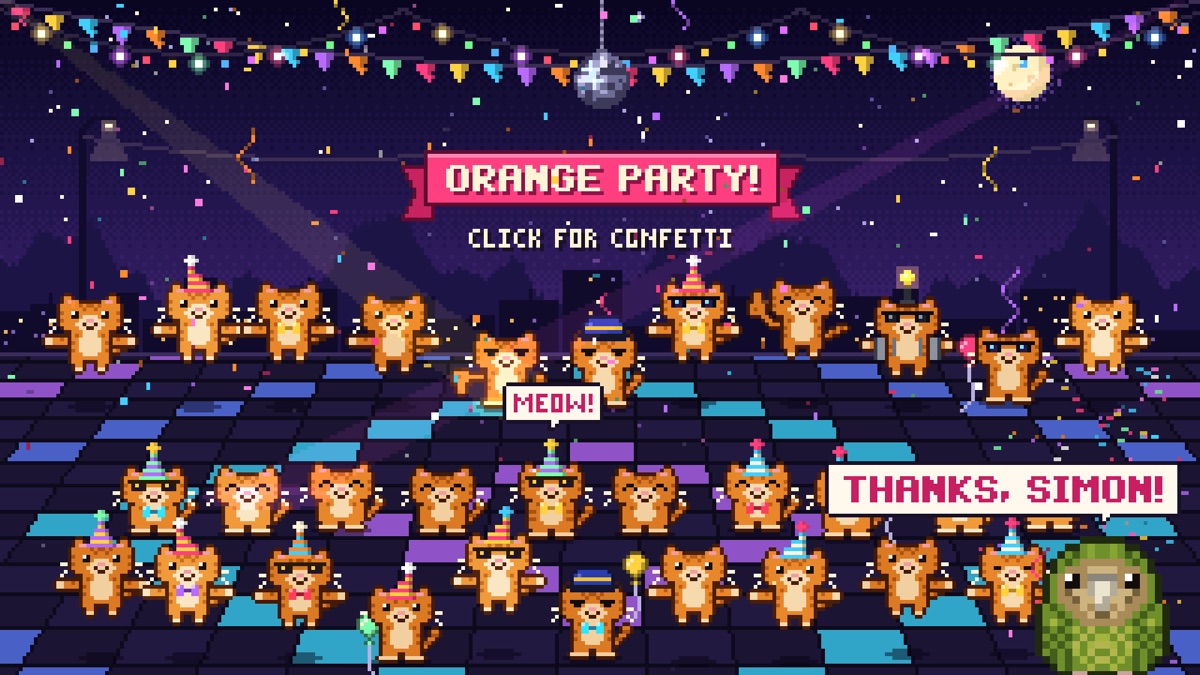
Simon Willison had just posted his kākāpō party, and I wanted one for the last slide:
I want to make an orange cat dance party inspired by this https://simonwillison.net/2026/Sep/26/kakapo-party/ as my last slide for the presentation. Doable?!?!
It was. Twenty minutes later:
love it. push to jwildfire.github.io/keynote/party.html. If the user hits “s” Let’s have a kokobo pop out from the bottom corner and say “Thanks, Simon!”
More Oranges
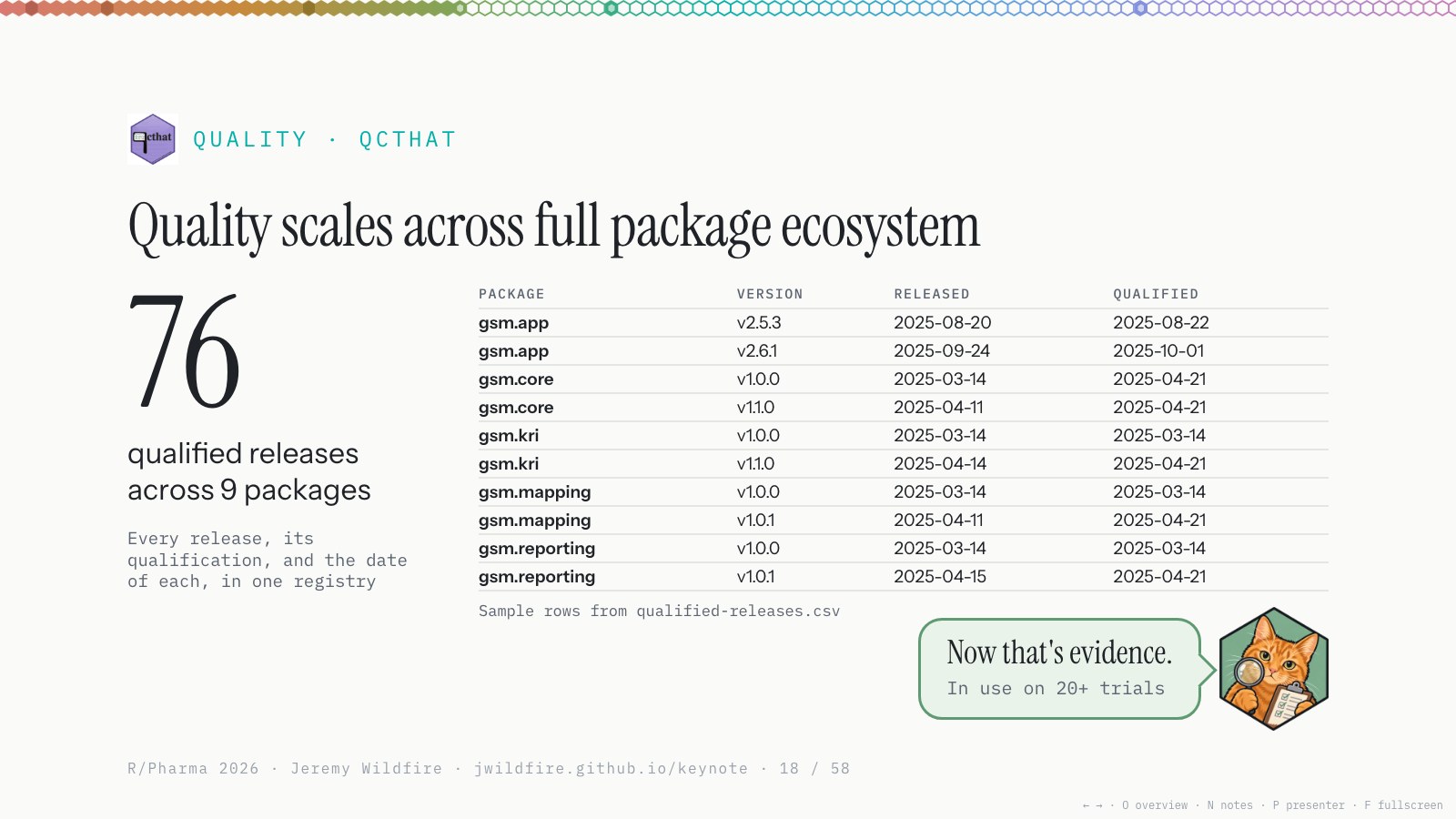
Orange picked up a couple of costumes along the way. Inspector Orange covers the quality questions:
I want to work in a few “Quality Check-in” slides. I’ll make a new “inspector orange hex” to support. Basically want to add a little structure around the various quality discussions. Propose where those beats land and which slides get converted to the new format.
Hacker Orange showed up the same day.


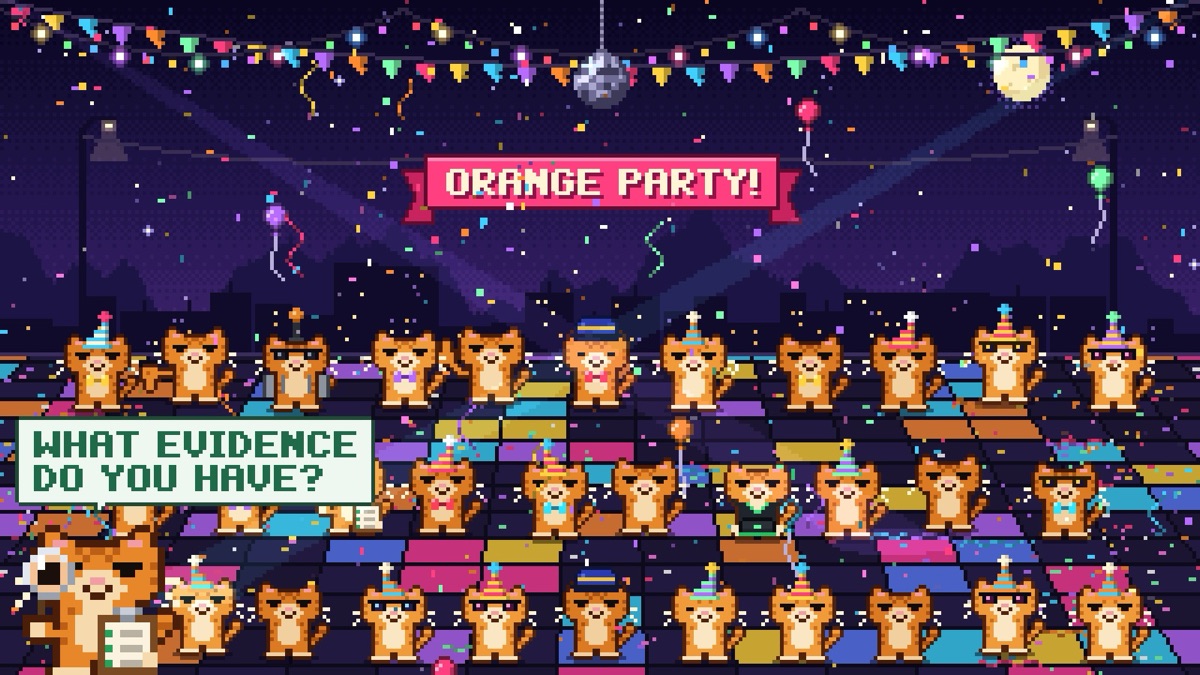
That night they both got invited to the party:
update https://jwildfire.github.io/keynote/party.html to include the new oranges added to the deck. hacker orange, inspector orange. any other fun callouts from the deck are great. let me know your plan and i’ll approve.
Most prompts were small
Those are the big ones. Most prompts were a sentence reacting to the last build:
use a tiny hex from the “forcats” package as the bullet on this slide (we’ll try to work in some package hexes for fun throughout)
Move the page number from the footer to the header and fill in the line of hexes based on % of the talk that is complete
We’re really overdoing it with the italicized orange works. Probably want to remove almost all of them.
AI collaboration note: I built the deck with Claude Code. For this post, Claude collected my prompts from the session logs, drafted the text around them and added the images and captions. I reviewed and approved it before publishing. The prompts are copied as I typed them, typos and all.
Comments
Sign in with a GitHub account to join the discussion. Threads are powered by giscus and live as GitHub Discussions.